
Markdown has powered wikis, Git READMEs and docs, and now the AI revolution — it's the format LLMs and RAG pipelines speak natively. But when it's time to share, raw .md files won't do. Convert Markdown to PDF in seconds — with polished typography, code blocks, and tables, ready to send, print, or publish.
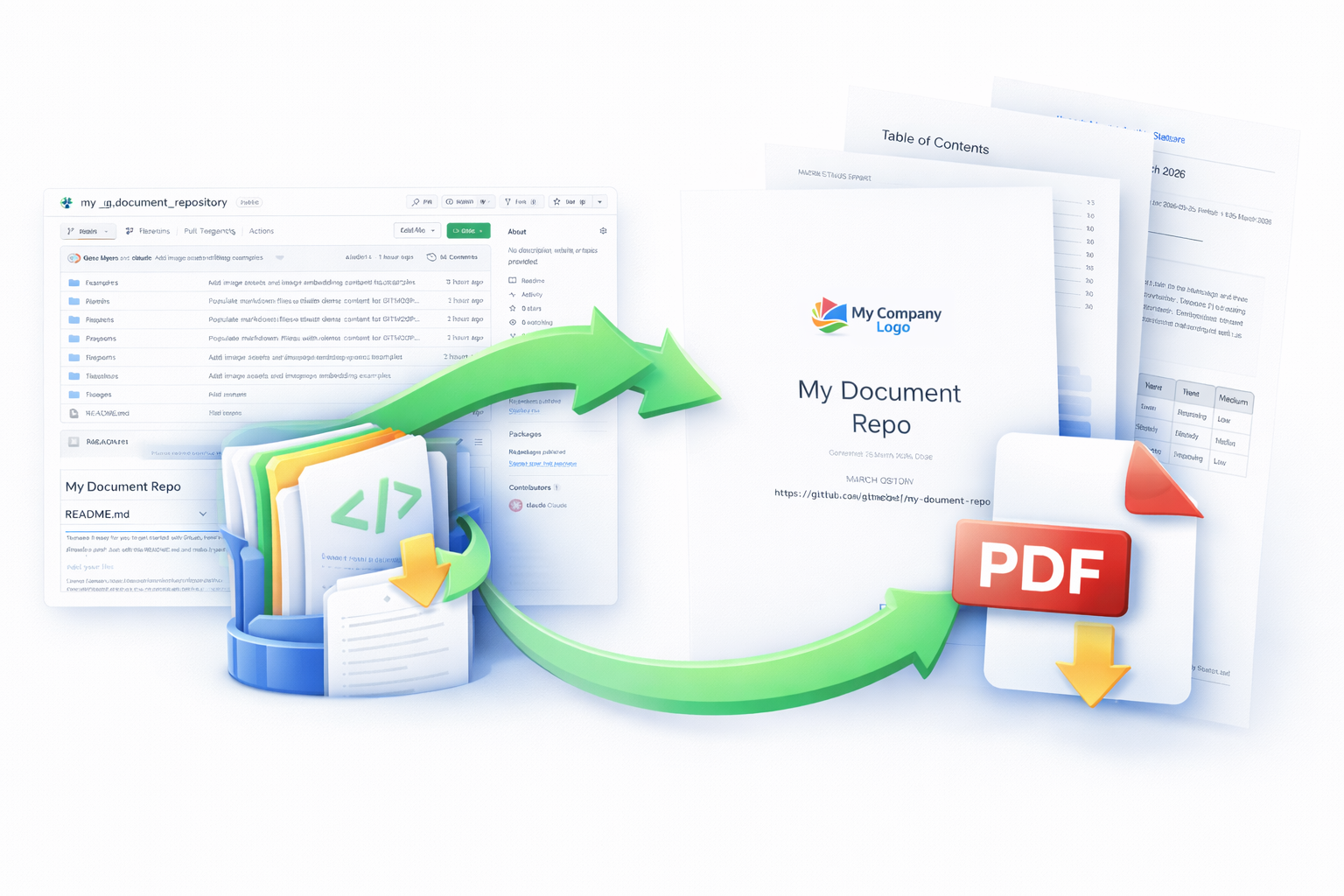
Convert your markdown to PDF in three simple steps
Drag and drop a markdown file or paste a Git repository URL
→Choose formatting options from our easy-to-use interface
→Get a beautifully formatted PDF ready for sharing or printing
Building an AI agent, automation, or CI/CD pipeline? Premium plans include a simple REST API — call it from any language, get the PDF back from a download link or delivered to a Callback URL. Authenticate with OAuth or HMAC; no scraping, no headless browser. See pricing.
Everything you need to convert markdown like a pro

Point to any public or private repository and convert all markdown files into a single, organized PDF document with table of contents.

Drag and drop your .md files and get instant PDF output. Support for multiple files, images, and complex formatting.

Clean typography, syntax-highlighted code blocks, properly rendered tables, headings, links, anchors and more. Your PDFs look polished.
API access for automation, authenticated with OAuth2 or HMAC — integrates with your existing workflow, fast.
Drop a .gitmd2pdf.yml file in the root of your repository and gitmd2pdf will follow it exactly — no more guessing which files come first or how headings nest.
title: "My Project Docs"
author: "Gene Myers"
version: "1.2.0"
date: auto

ignore:
  - "**/DRAFT-*.md"
  - "internal/**"

structure:
  - title: "Getting Started"
    children:
      - file: docs/intro.md
      - file: docs/install.md
        title: "Installation Guide"

  - title: "API Reference"
    include: "api/**/*.md"
    sort: filename

  - title: "Appendix"
file: misc/glossary.mdgitmd2pdf works great for all your documentation needs
Markdown has quietly become one of the most important formats in modern software, and now, in modern AI. For more than a decade it's been the default for Git READMEs, repositories, and developer documentation — prized for being readable in plain text, clean to version-control, and easy to write without breaking your flow. In the last two years it's also become the lingua franca of LLMs: Claude, ChatGPT, and Gemini all output Markdown by default, and RAG pipelines, agent memory systems, and AI knowledge bases are increasingly built on .md files because the format's explicit structure produces cleaner embeddings, better retrieval, and fewer wasted tokens.
The problem? Markdown is excellent for machines and developers — and terrible for everyone else. Your customers, clients, and stakeholders don't want to open a .md file in a code editor. gitmd2pdf bridges that gap. Convert Markdown to PDF — or pull an entire Git repository's worth of docs into a single, beautifully formatted document — with proper typography, syntax-highlighted code blocks, rendered tables, headings, links, anchors and more, and an auto-generated table of contents. Whether you're shipping product documentation, exporting a team wiki, archiving an internal knowledge base, or turning AI-generated reports into client-ready deliverables, your Markdown finally looks the way it deserves to.
Trial ends after 14 days.
No charges unless you upgrade.
Start your free trial today. No credit card required.
Get Started Free